
Download Vikey
Free · open source · version 1.0.23
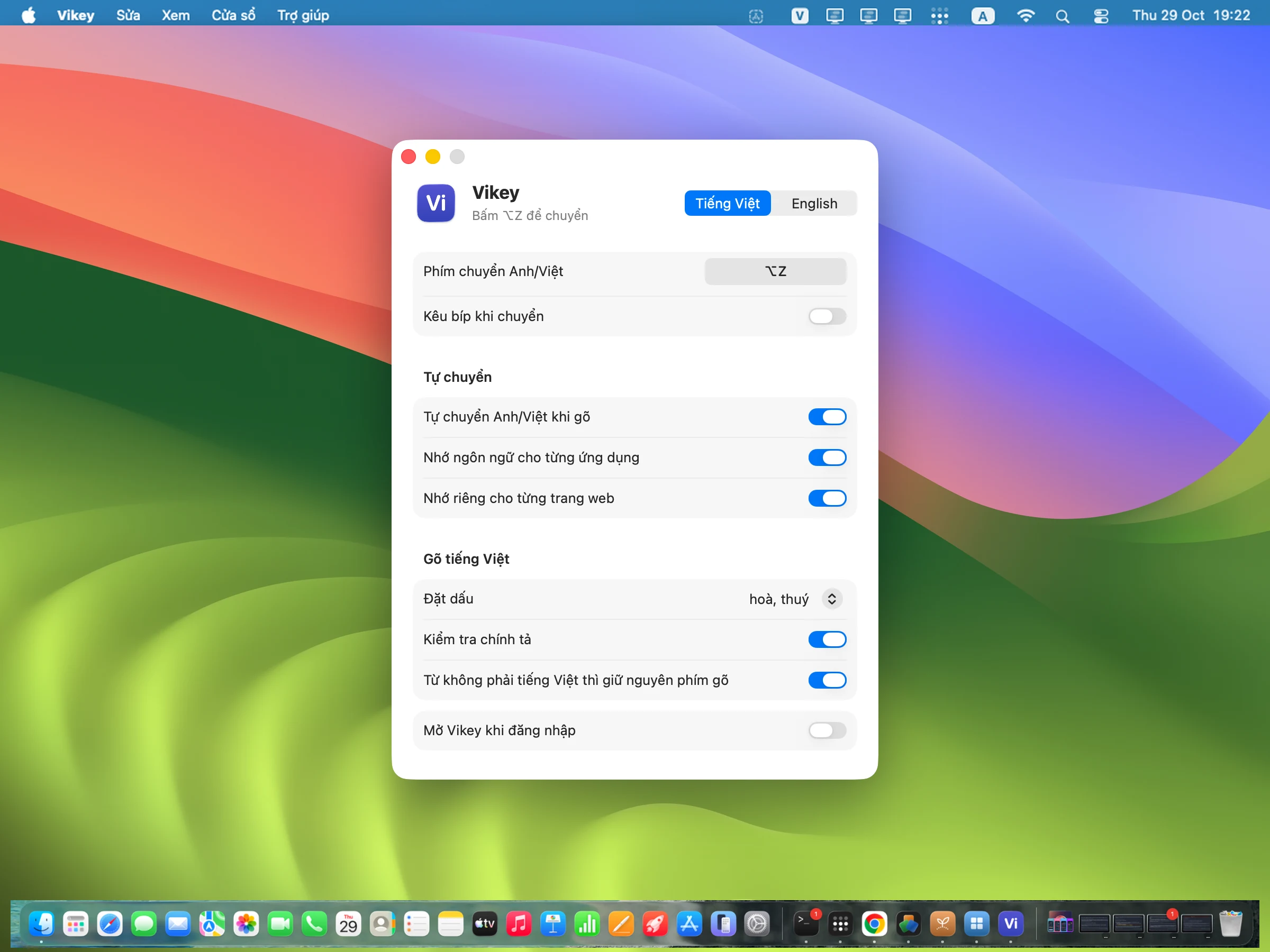
macOS
macOS 13 or later
Download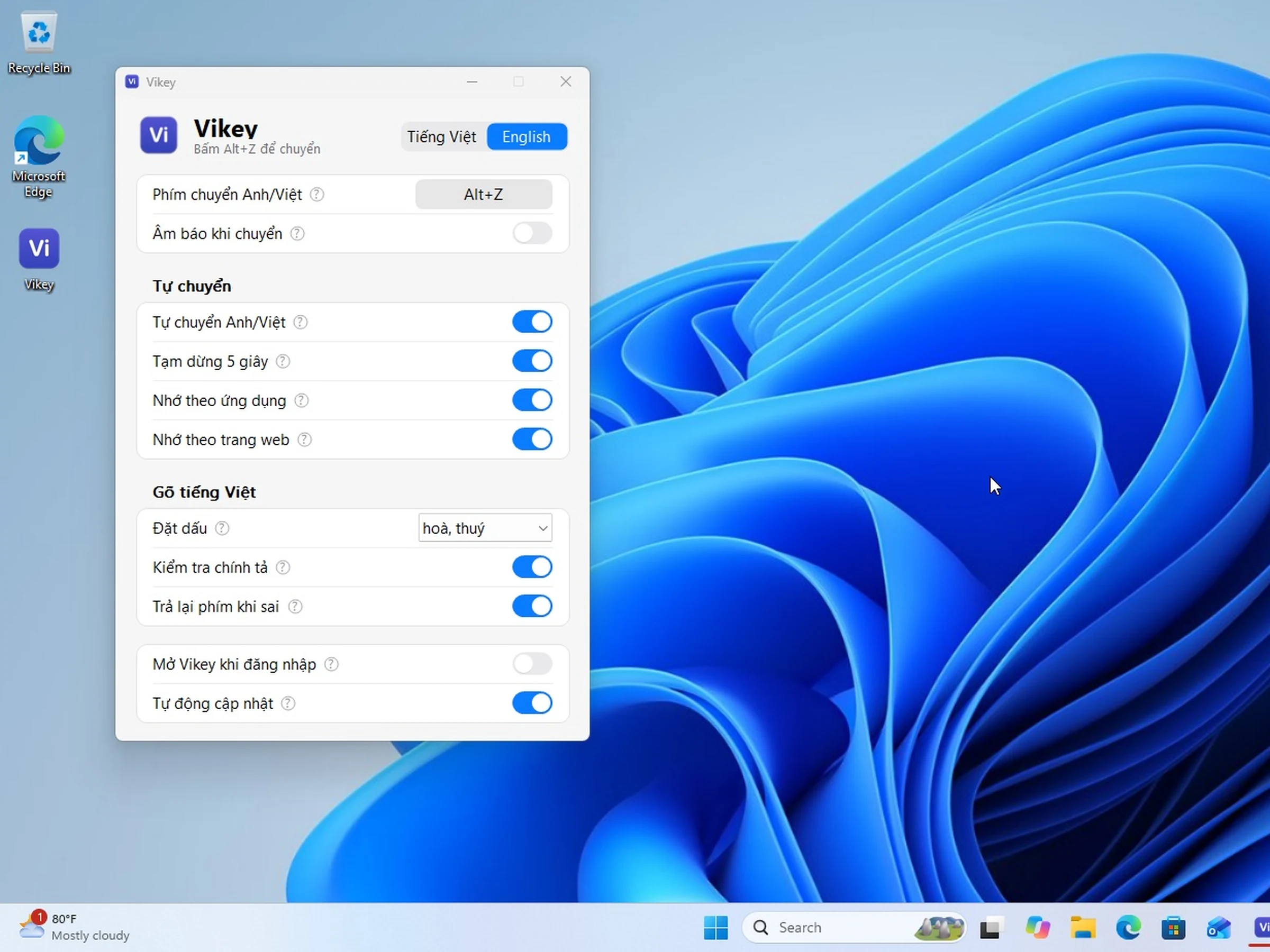
Windows
Windows 10 and 11
DownloadARM64 build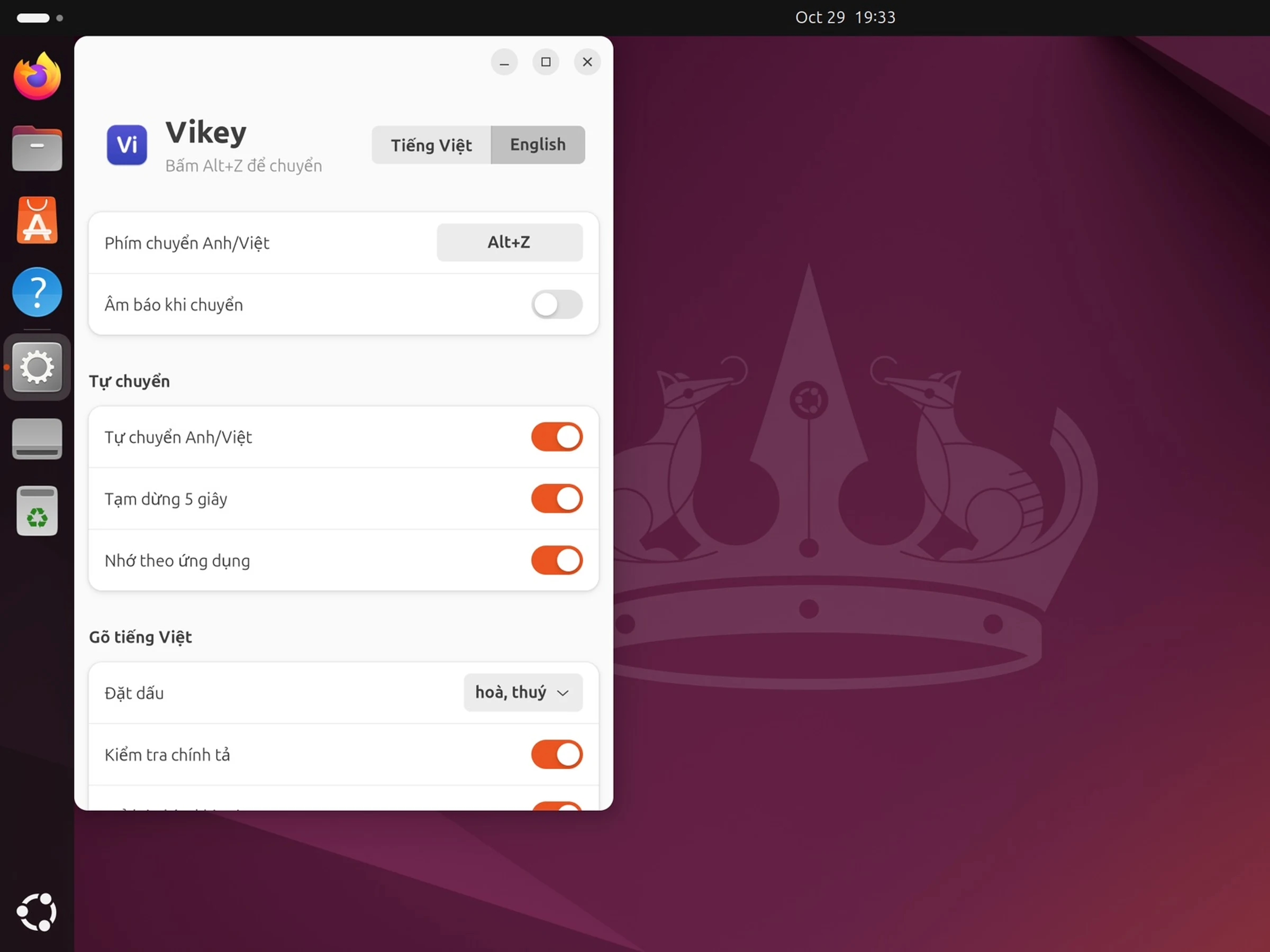
Linux
Ubuntu, Debian, Fedora
ARM64: .deb · .rpm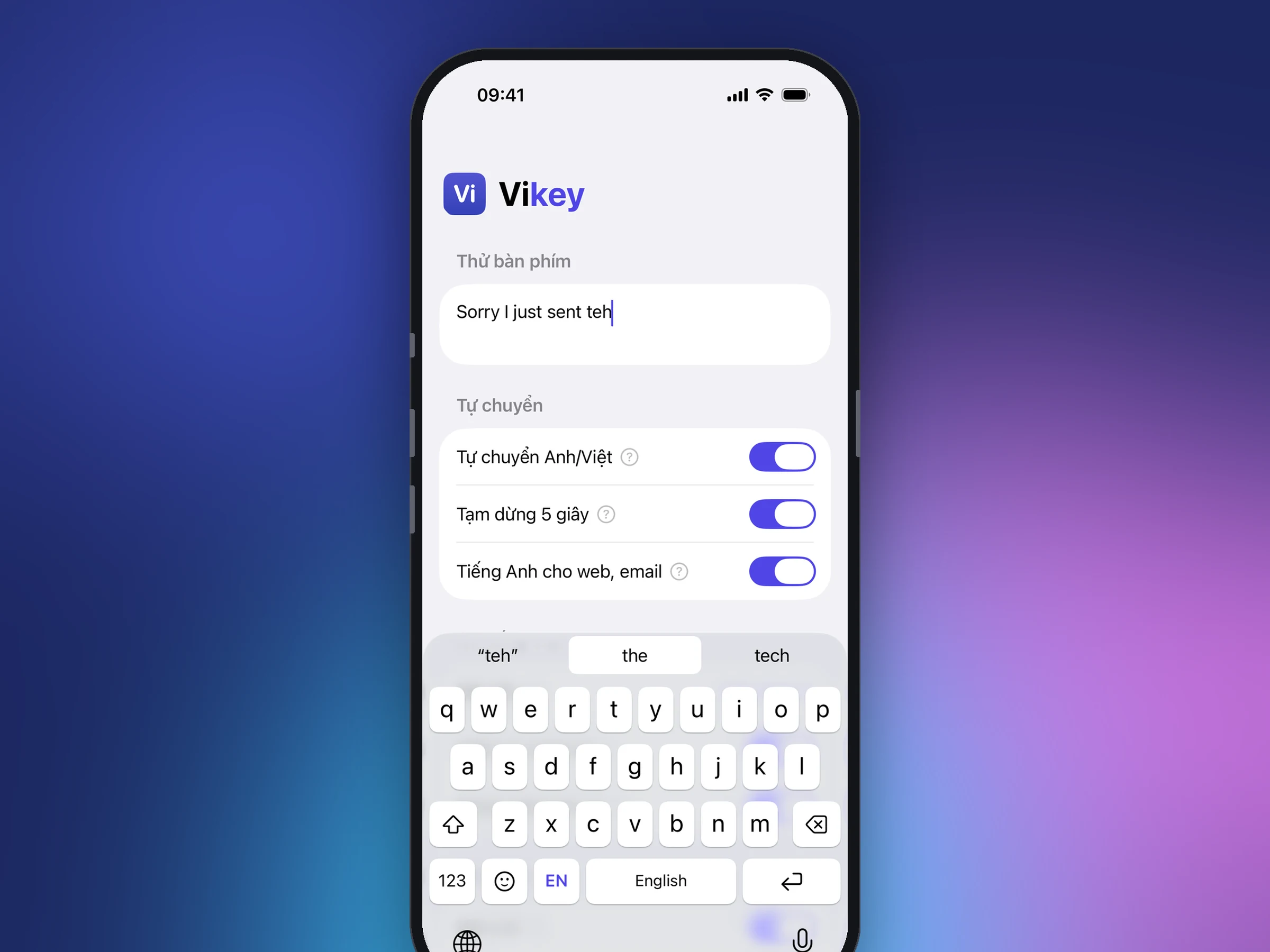 Soon
SooniOS
iPhone, iOS 17+
Notify me
Android
Android phones
How to install
macOS
- Open the downloaded file and drag Vikey into Applications.
- Quit OpenKey, EVKey or any other Vietnamese input method.
- Open Vikey and allow Accessibility when asked.
SHA-256: 089f437ada8e00964c6c30fa9ae8c52bf5899700673593cdab0c7d8457b02e78
Windows
- Open the downloaded file. No admin rights needed.
- Quit OpenKey, EVKey, UniKey or any other Vietnamese input method.
- Vikey sits in the system tray. Press Alt+Z to switch languages.
If SmartScreen asks, click "More info", then "Run anyway".
Portable, no installer: x64 (zip) · ARM64 (zip)
SHA-256: 807b0ebc3c4dcd23b845f876184d380bfa82f7b5e3d95f6553c384cf66b6b0e3 (x64) · b7711086875d1b7f40363ee5b142694398de4fef356ffb20a7f5c554cb15b684 (ARM64)
Linux
- Install the package:
sudo apt install ./vikey_*.deb(orsudo dnf install ./vikey-*.rpm), then log out and back in. - Open Settings › Keyboard › Input Sources and add "Vietnamese (Vikey)".
- Switch to Vikey with Super+Space. Press Alt+Z to switch English/Vietnamese.
Per-website memory is not available on Linux yet; per-app memory works for X11 apps on Wayland.